Invoices from Sales Orders Process
Creating Invoices from Sales Orders
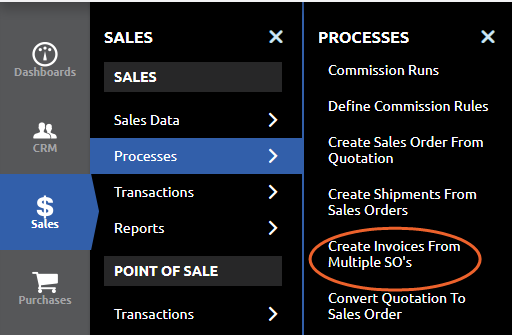
Menu Path: Sales > Processes > Create Invoices from Multiple SO’s
This brings up a screen that shows all completed Sales Orders/Shipments ready for Invoicing. You can filter by Organization or Business Partner
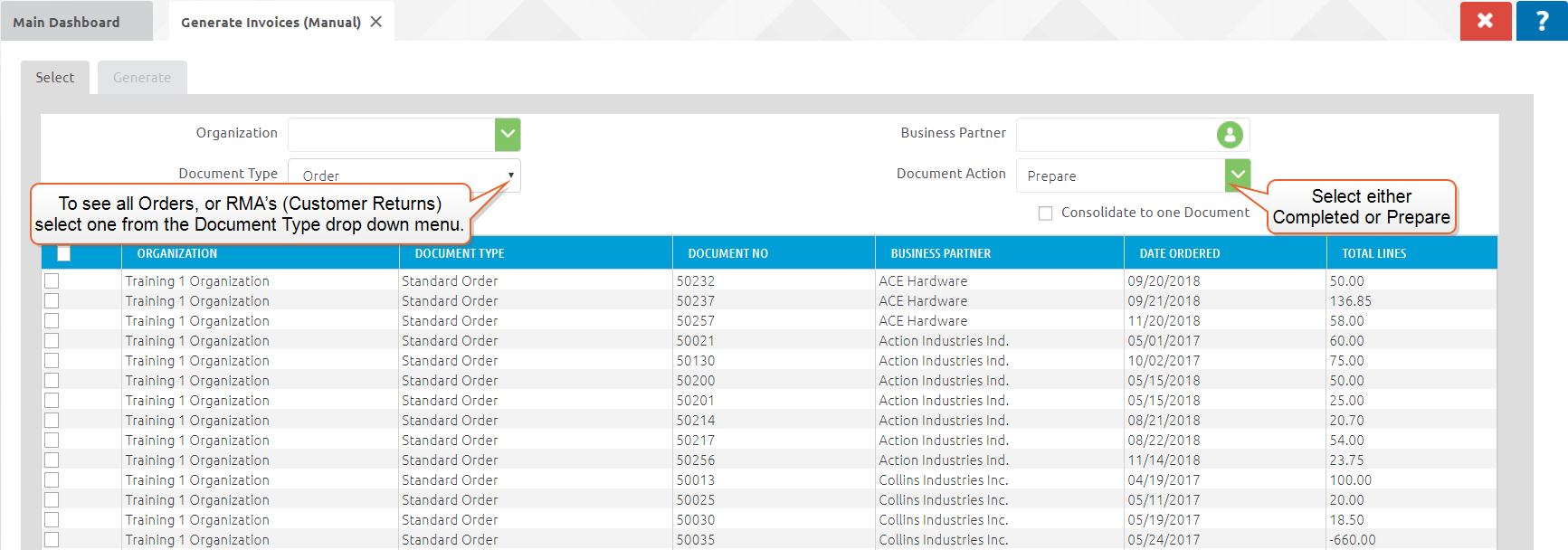
You can choose to see all Orders, or RMA’s (Customer Returns) by selecting it from the Document Typedrop down menu. You can also choose the Document Action of either "Completed" this will not allow any changes to the invoice without voiding or "Prepare" this will allow you to find the invoice and make changes before completing.
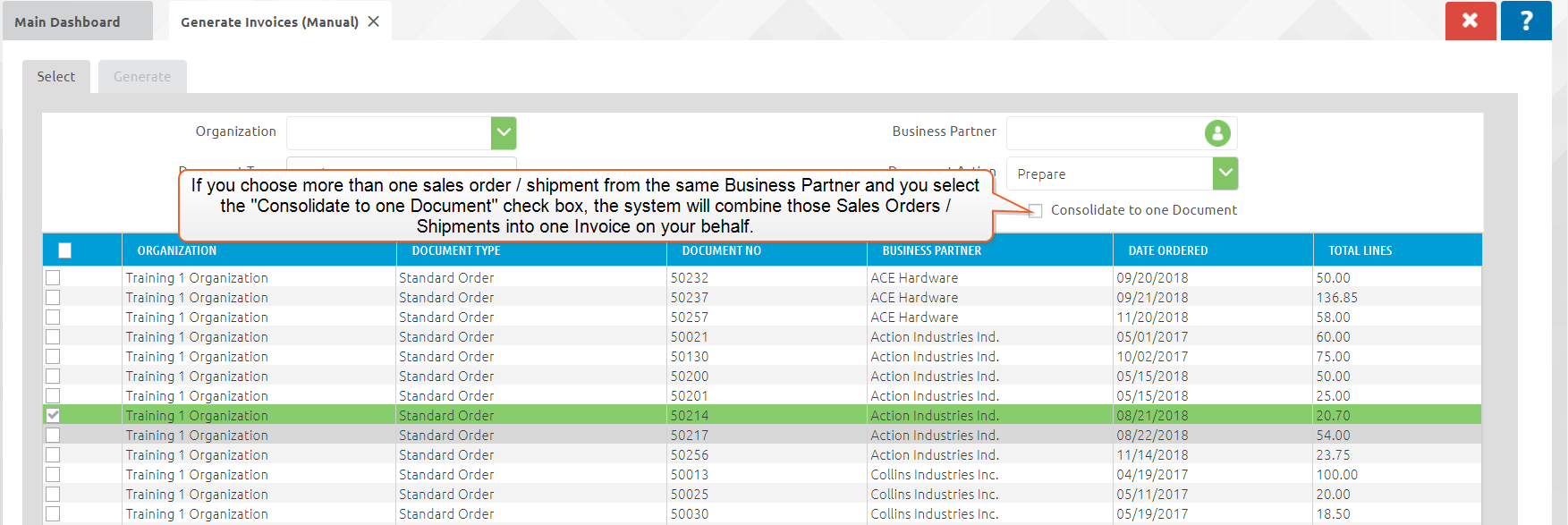
Put a "check mark" next to the Invoice you want to create and click the "green check.
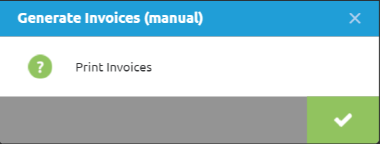
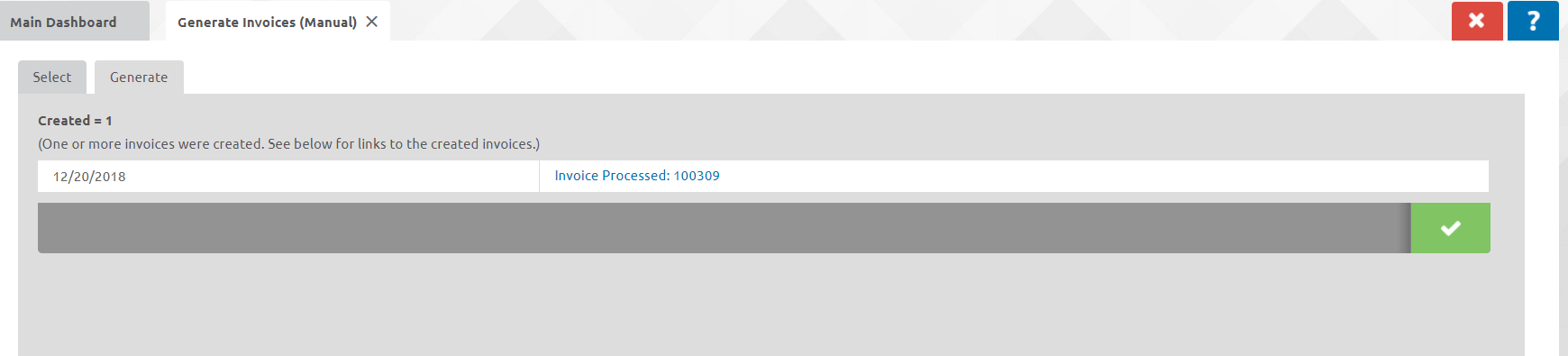
The below screen will come up. Click the green check to view the Invoice print form. You can also click on the X to exit out and view click on a link to be taken directly to the created Invoice(s)